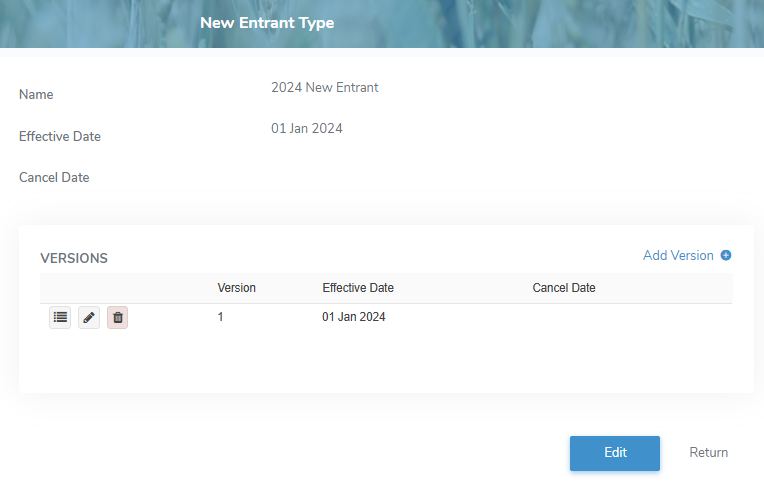
To view the details of a new entrant type from the New Entrant Types page:
•Click View icon to open the New Entrant Type page of the parameter you wish to view.
Updating a new transfer of credit
To edit or update a new entrant type from the New Entrant Type page:
1)Click the Edit button to open the Update New Entrant Type page.
2)Edit or update the details of the new entrant type as necessary (see Adding a new entrant type for more information.)
3)Click Save to save the new entrant type and return to the New Entrant Types page. The details displays on the New Entrant Types page.
– or –
Click Cancel to return to the New Entrant Types page without saving changes.