The Manage Settings menu provides links to a list of code tables, settings, default alerts and email lists along with applicable values used to categorize data within the milk portal.
Settings ▼ |
To open the Manage Settings page to view or make changes to the code table values:
•Click the Admin arrow on the menu bar, and then select Manage Settings.
 Note: The Code Table Selection page appears by default.
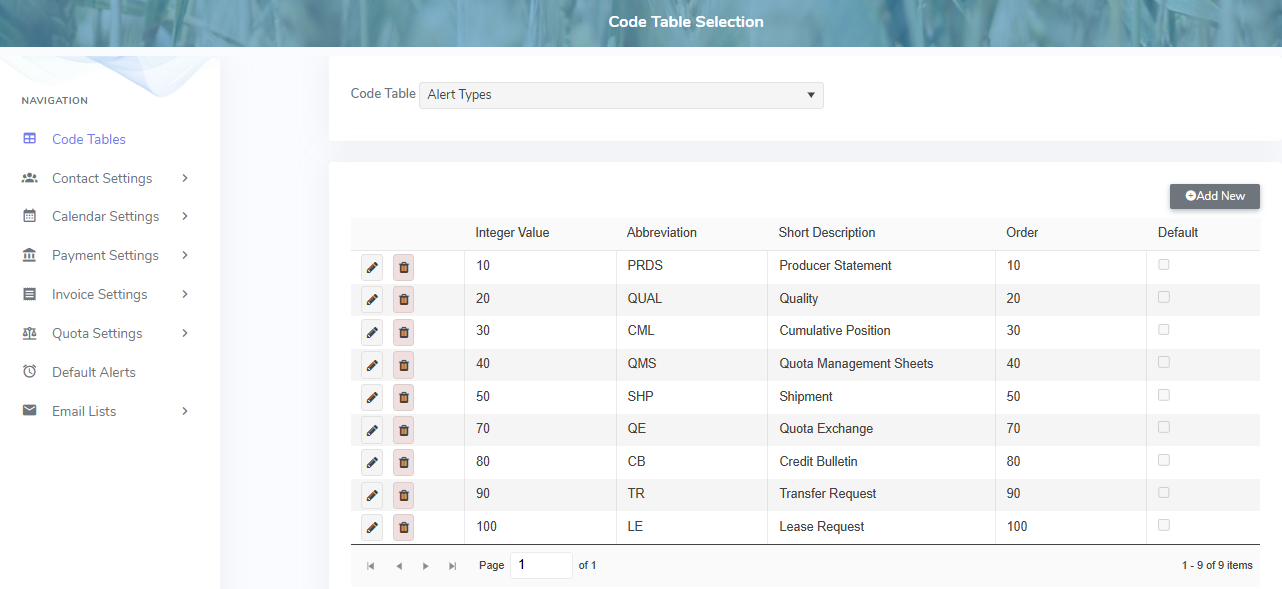
The Manage Settings page provides:
•Navigation menu bar on the left side to view the selected code table, settings, default alerts, or email lists
•View of the values and details of the selected code table, settings, default alerts, or email lists
•Ability to add new, edit or delete details
•Ability to sort column details in ascending or descending order