To view or make changes to the out of province component details from the Out of Province Components page:
1)Click View icon of the out of province component you wish to view to open the Out of Province Component Test page.
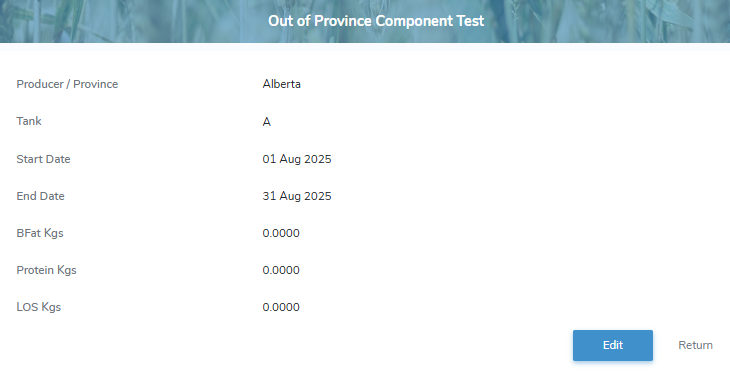
2)Click Edit to make changes to the out of province component details (see Updating an out of province component for more information)
– or –
Click Return to return to the Out of Province Components page without saving changes.