Designations identify which producer contacts have the authority to perform tasks on behalf of the producer. Producer contacts may be assigned to none or multiple designations.
 Note: Changes to designations are not official until SaskMilk receives a completed and signed Designation Representative Form.
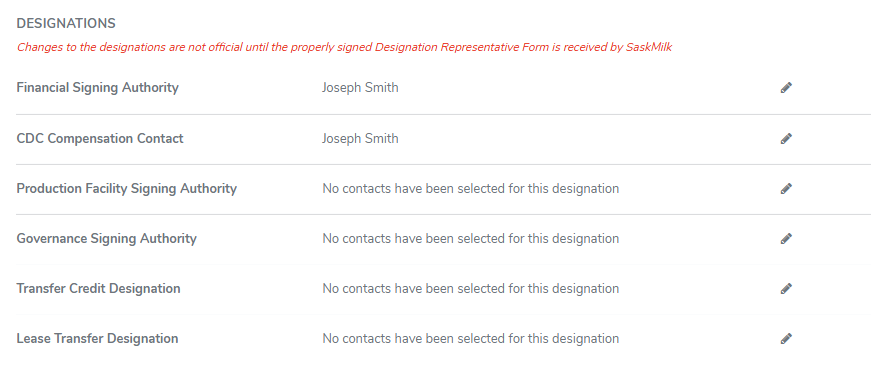
To grant or remove access to any of the designations from the Contacts page:
1)Click the Edit icon of the designation you wish to edit.
2)Select the check box of the producer contact(s) you wish to give access to or unselect the check box of the contact(s) you wish to remove.
Note: Depending upon the designation, one or more producer contacts may be assigned.
3)Click Save. The contact name displays the designation on the Contacts page.
– or –
Click Cancel to return to the Contacts page without saving changes.