The Portal Access screen provides ability to set up portal access for a user to the Transporter Portal from the Transporter page.
A portal access must be added by the MPS Administrator or Transport Manager to the SaskMilk Milk Payment System. The Transport Manager can also grant or revoke access for a transporter role to a representative of the transport company from the Transporter Portal.

Adding a new portal access
To add a new portal access from the Portal Access screen:
1)Click Add Portal Access to open the Setup Portal Access dialog.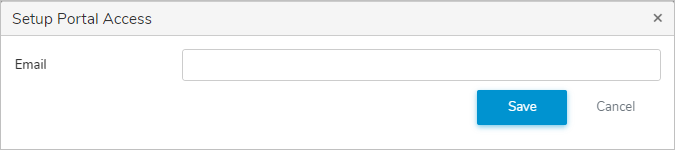
2)Complete the following details:
•Email: Type the email address of the user.
3)Click Saveto save the email and return to the Transporter page. The system sends an email to the user to complete their Transporter account setup. The email displays on the Portal Access screen.
– or –
Click Cancel to return to the Transporter page without saving changes.
Resending a portal access request
To resent a portal access request to the transporter user:
•Click Resend icon. The system sends an email to the user to complete their account setup.
Removing transporter portal access
To remove portal access of transporter user:
•See Managing transporter access under Admin menu for more information.