Adding a new stat holiday
To add a stat holiday from the Stat Holidays page: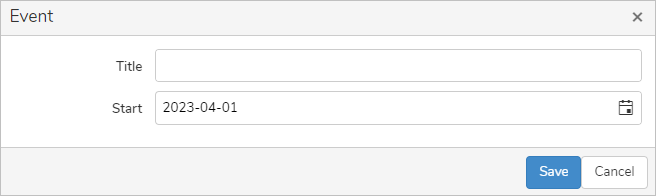
1)Click Add New to open the Event dialog.
2)Complete the following details:
•Title: Type a title for the stat holiday.
•Start: Type or click Calendar icon to select the day, month and year.
3)Click Save to save the stat holiday and return to the Stat Holidays page. The stat holiday displays on the Stat Holidays page.
– or –
Click Cancel to return to the Stat Holidays page without saving the details.
Removing a stat holiday
To remove a stat holiday from the Stat Holidays page:
1)Hover over the row of the stat holiday you want to remove.
2)Click X to confirm you want to remove this event. The stat holiday and its detailed information are deleted from the Stat Holidays page.