The Stat Holidays page displays the public holidays entered by the Administrator. The stat holiday calendar impacts the closed and published dates of the Quota Exchange and Credit Exchange by moving the date to the day before if the closed or published date fall on an identified the stat holiday.
To view or make changes to the stat holidays from the Manage Settings page:
•Click the Calendar Settings arrow from the navigation menu and then select Stat Holidays.
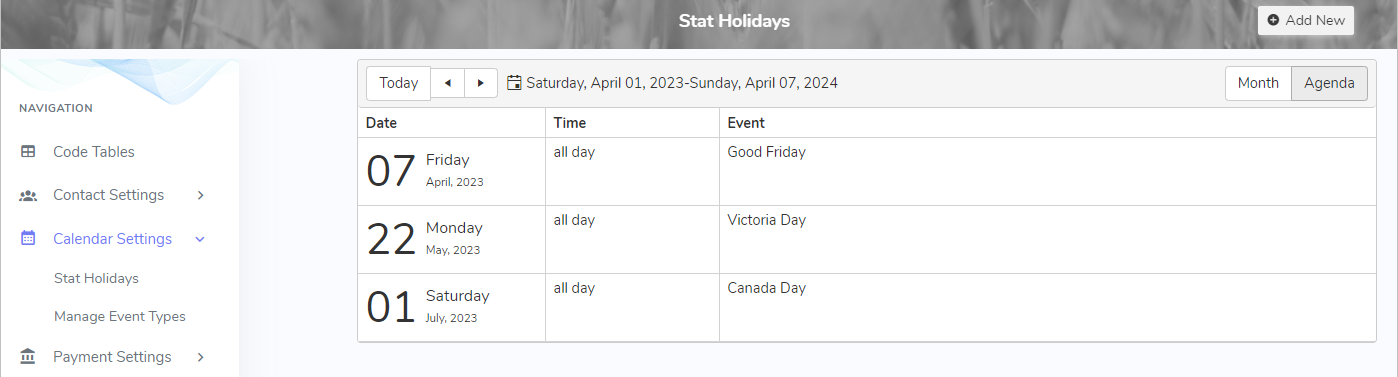
The Stat Holidays page provides:
•View of the stat holidays entered by month or by agenda listing
•Ability to create or delete stat holidays