The Event Types page displays of a list of calendar events types which can be added to categorize board and/or producer calendars (based on permissions) events.
To view or make changes to the event types from the Manage Settings page:
•Click the Calendar Settings arrow from the navigation menu and then select Manage Event Types.
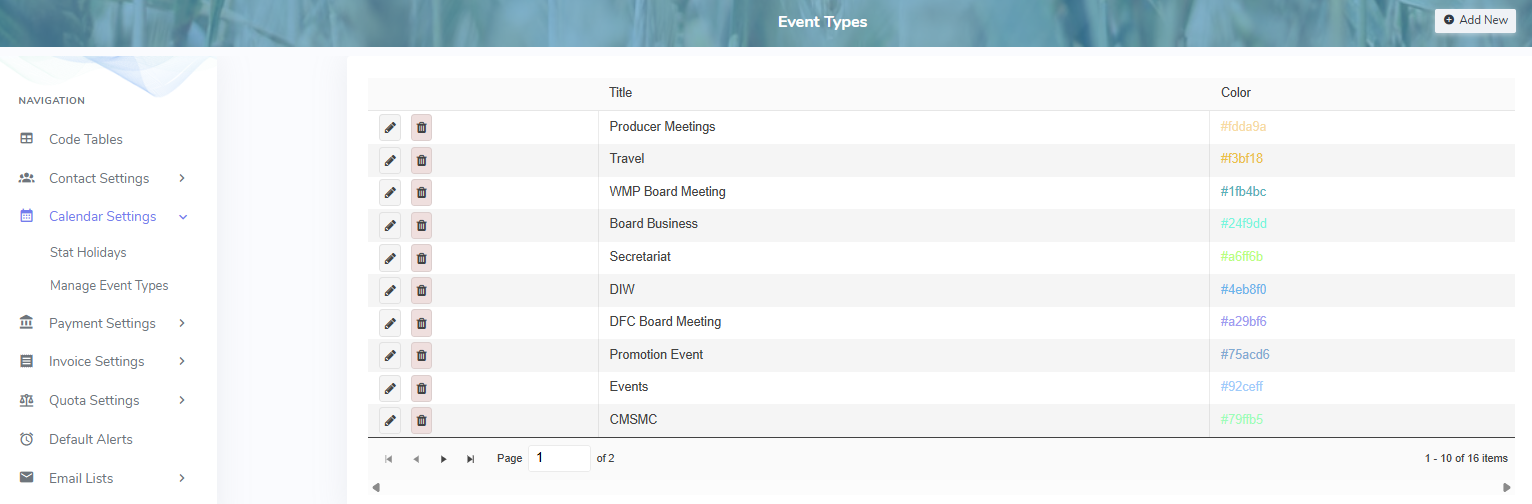
The Event Types page provides:
•View of calendar events types
•Ability to create, edit, or delete event types