The Financial Institutions page displays a list of financial institutions available to select from and used for setting the banking information of the producers.
To open the Financial Institutions page:
•Click the Payment Settings arrow on the navigation menu, and then select Financial Institutions.
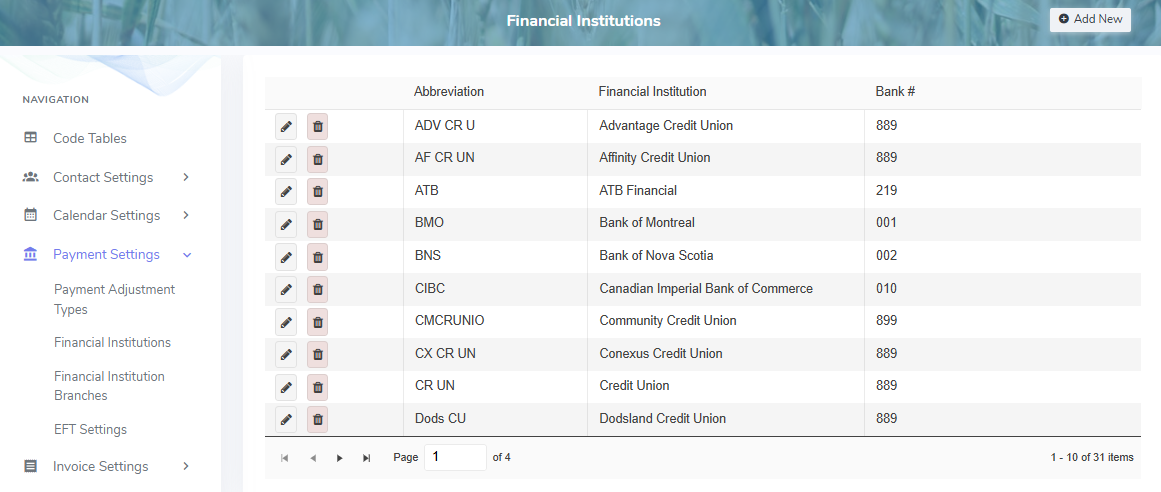
The Financial Institutions page provides:
•View of financial institutions including details of their abbreviations and institution number
•Ability to create, edit, or delete details
•Ability to sort column details in ascending or descending order