Adding new financial institution
To add a new financial institution from the Financial Institutions page:
1)Click Add New to open the Add New Financial Institution page, and then complete the following: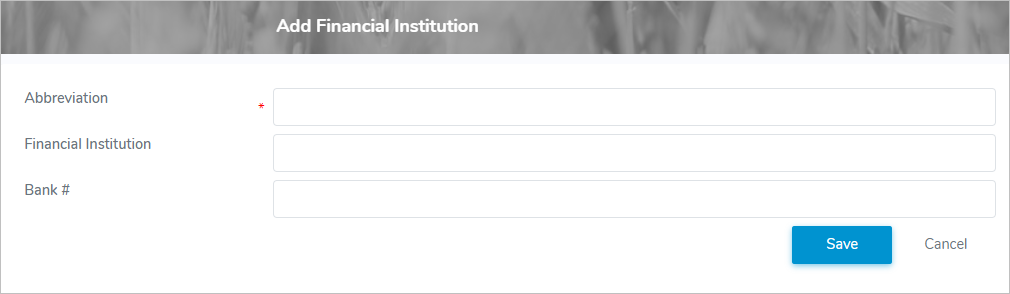
•Abbreviation*: Type an abbreviation (maximum 15 characters)
•Financial Institution: Type the legal name of the financial institution.
•Bank #: Type the institution number of the bank.
2)Click Save to save the information and return to the Financial Institutions page. The financial institution displays on the Financial Institutions page.
– or –
Click Cancel to return to the Financial Institutions page without saving the details.
Updating a financial institution
To edit or update the details of a financial institution from the Financial Institutions page:
1)Click Edit icon to open the Update Financial Institution page.
2)Edit or update the details of the financial institution as necessary (see Adding new financial institution for more information.)
3)Click Save to save the financial institution and return to the Financial Institutions page. The financial institution displays on the Financial Institutions page.
Removing a financial institution
To remove a financial institution from the Financial Institutions page:
1)Click Remove icon of the financial institution you want to remove.
2)Click OK to confirm you want to remove this type. The financial institution and its detailed information are deleted from the Financial Institutions page.