The Default Alerts page displays the list of default alerts applied to a producer on the initial creation of their producer portal account in the Milk Payment System.
To open the Default Alerts page from the Manage Settings:
•Click Default Alerts on the Navigation menu.
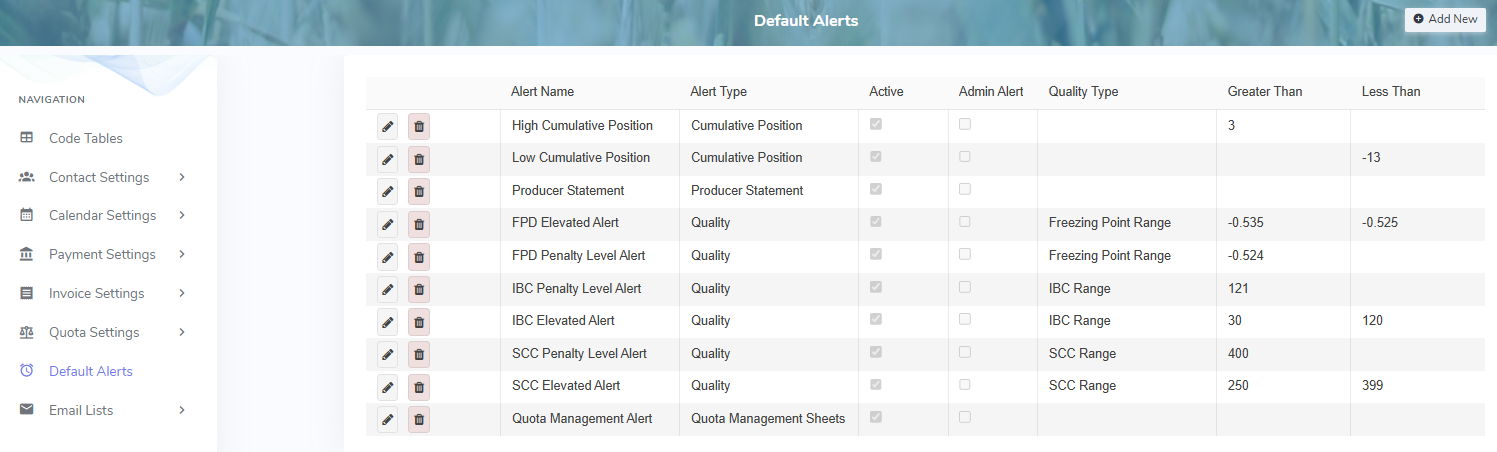
The Default Alerts page provides:
•Ability to add new, edit, or delete alert details
•Ability to sort column details in ascending or descending order