Running the quota exchange process matches producer bids and offers according to the current exchange data and configuration settings. When run, the system calculates the clearing price, identifies successful buyers and sellers, and generates preliminary results for review. Administrators can run the process multiple times within the exchange period to verify accuracy and make adjustments before marking the exchange as Publish Ready for final publication.
 Note: The quota exchange may be run multiple times during the month. Results remain visible only to administrators until the exchange is published. Once published, producers can view their individual results—successful or unsuccessful—within the Producer Portal.
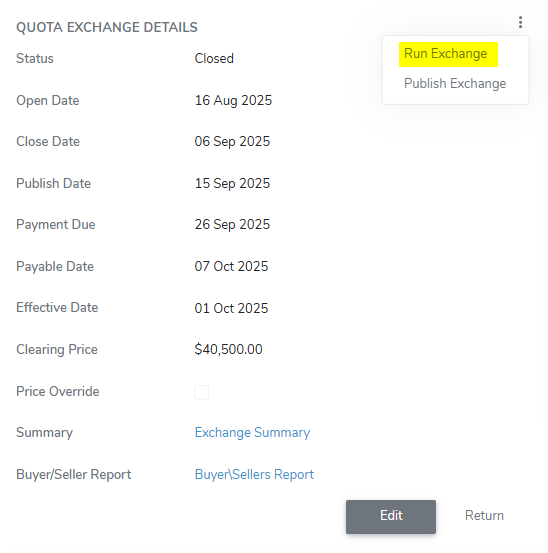
To run the quota exchange from the Quota Exchange page:
1)Click the vertical ellipsis icon ( ) in the top right corner of the Quota Exchange Details screen, and then select Run Exchange to open the Task Status dialog.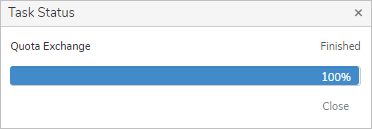
The bid listing and offer listing rows change background colors based on whether the bid or offer is successful. The colors include:
•Green background: The bid or offer was partially or fully successful.
•Red background: The bid or offer was not successful.
2)Click Close after the quota exchange process has finished.