To view the document details or a copy of the document from the Documents page:
1)Click View icon of the document you wish to view to open the Document page.
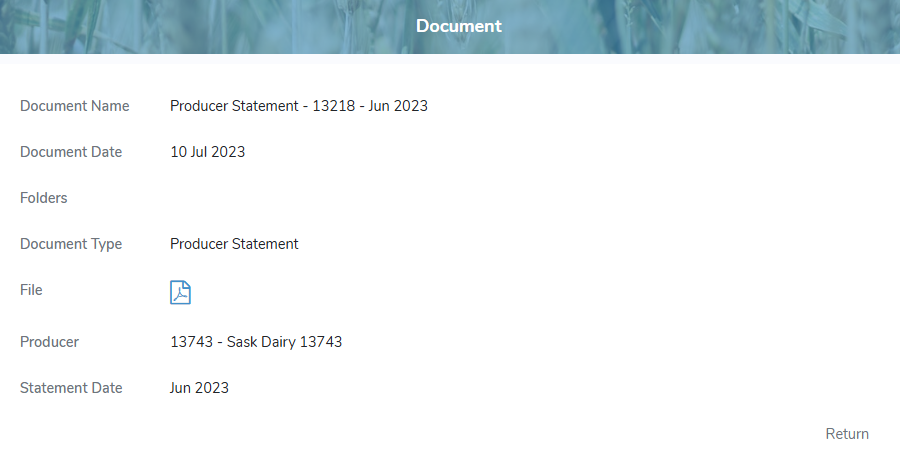
2)Click the File icon to open the document in your web browser.
3)Click Return to return to the Documents page.
Downloading documents
To download a document to your desktop from the Documents page:
•Click the Download icon to download the document.
 Tip: By default, most Internet browsers save the file to the Downloads folder on your computer.