The Documents page displays a listing of all documents associated to the producer.
To open the Documents page from the Producer Dashboard page:
•Click the Records arrow on the Navigation bar and then select Documents.
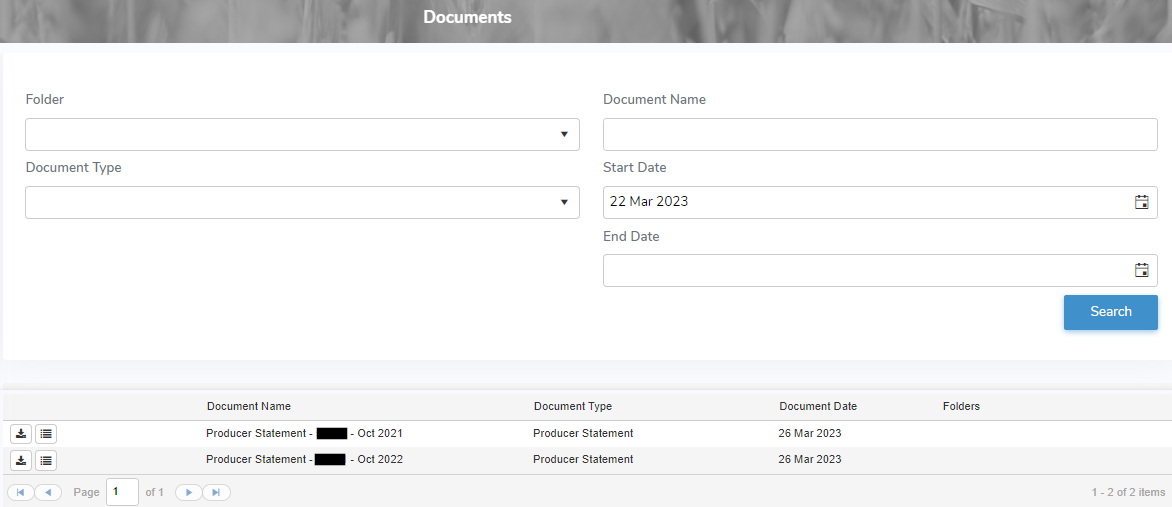
The Documents page provides:
•View list of documents associated to the producer
•Ability to search by folder, document type, document name, start date and/or end date
•Ability to add, download, or view the document
•Ability to sort column details in ascending or descending order