To view plant invoices or add comments from the Plant General page:
•Click the Invoices on the Navigation bar to open the Invoices page.
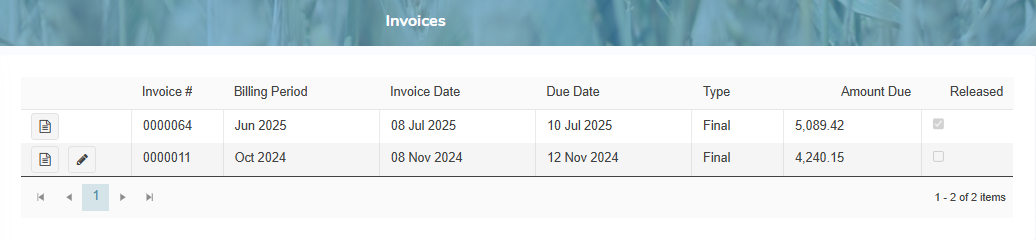
Adding an invoice note
To add an invoice note to the plant invoice:
1)Click Edit icon to open the Invoice Note dialog, and then type a comment for the invoice.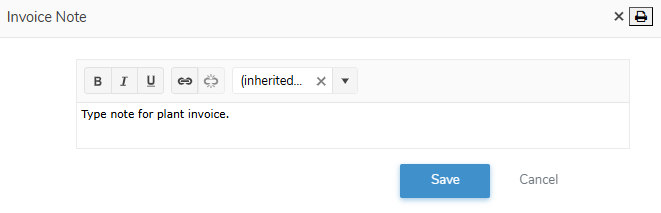
2)Click Save to save the invoice note and return to the Plant Contacts page. The note displays on the plant invoice under Notes.
– or –
Click Cancel to return to the Invoices page without saving the details.
Viewing plant invoices
To view, print, or save an invoice of a plant:
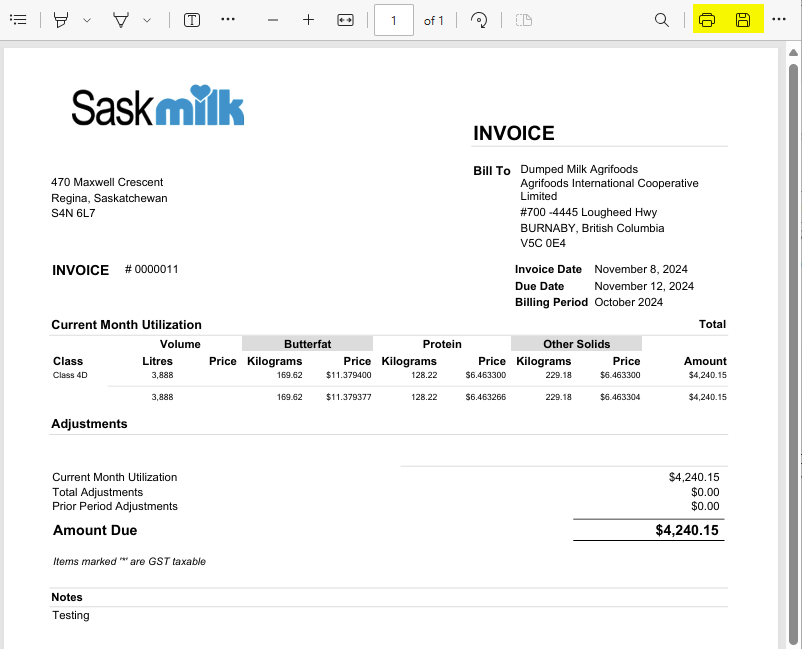
1)Click View icon to open the Plant Invoice.
2)Click Print icon to send the invoice to your printer.
3)Click Save to download a copy to your computer.