To view or make changes to plant details, status of meter maintenance and/or contacts of the plant from the Plant Search page:
•Click the View icon of the plant you wish to view to open the Plant General page.
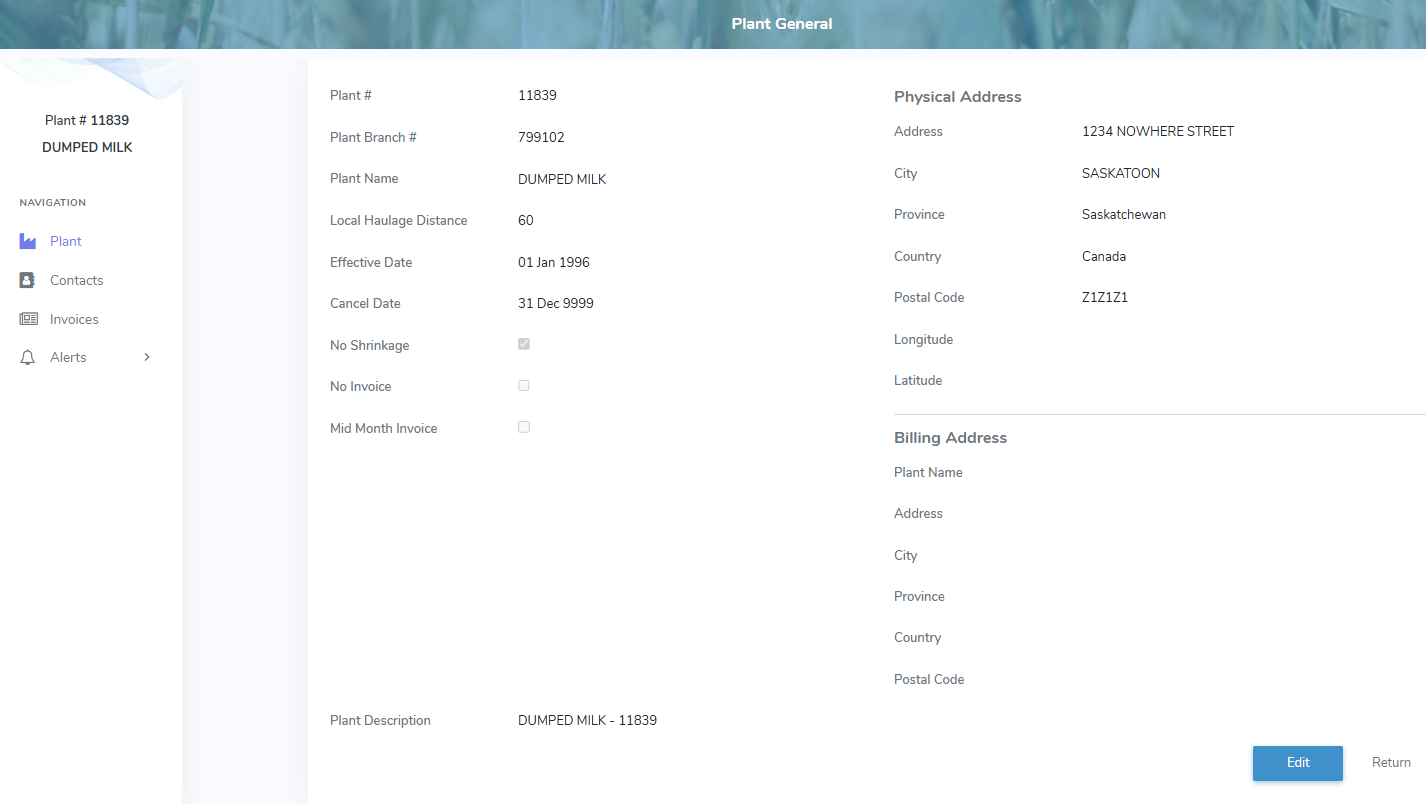
The Plant General page provides:
•Navigation menu bar on the left side to view plant details or contact information
•Ability to view, or edit the plant details
•Ability to add, edit or remove the status of meter maintenance (if the plant is a metered plant)
•Ability to add, edit or remove a plant contact
•Ability to sort column details in ascending or descending order