To view the details of a lab sample result from the Lab Search page:
•Click the View icon of the lab sample you want to view to open the Lab Sample Result page.
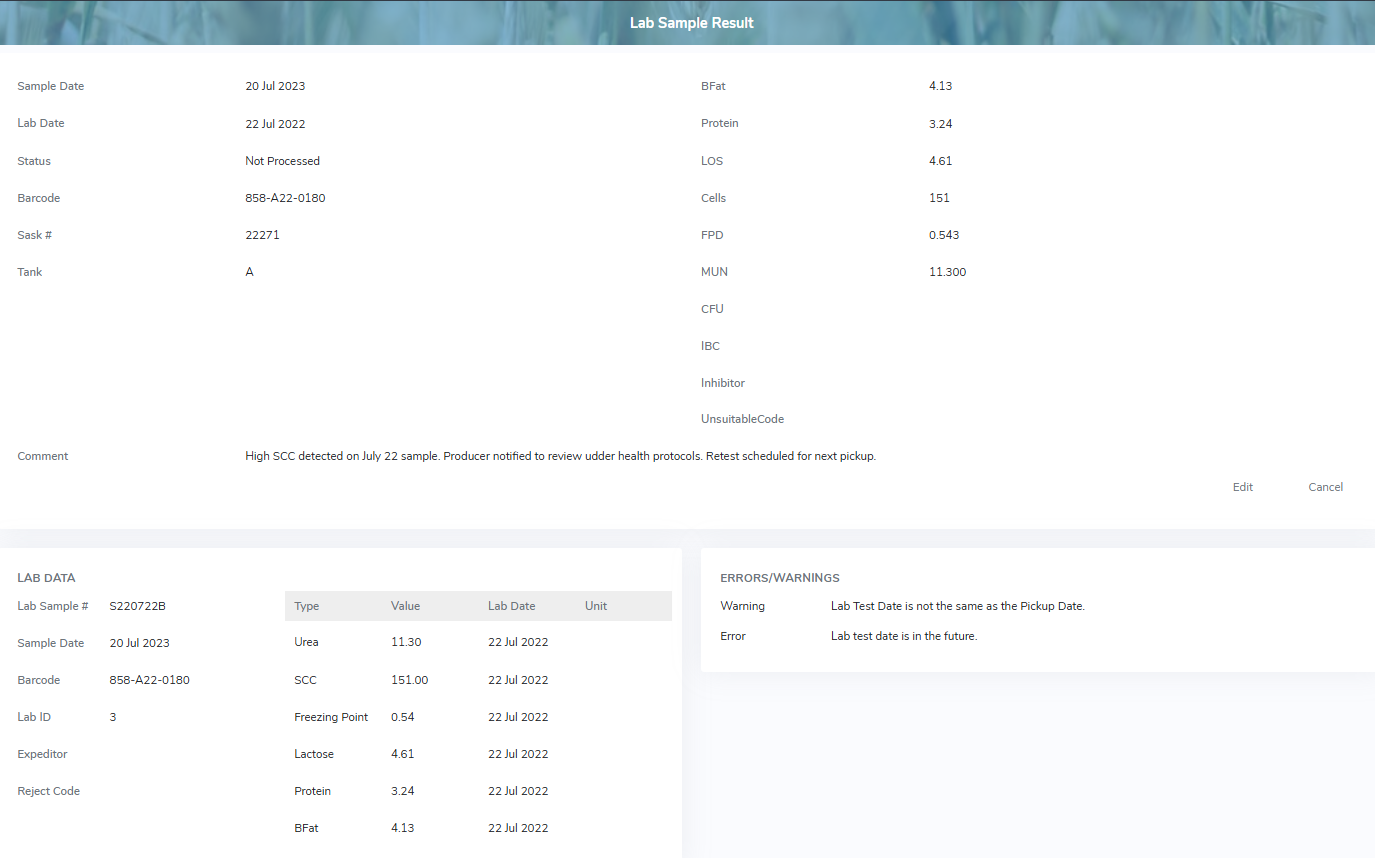
The Lab Sample Result page provides:
•View of the lab sample result details, lab data, and errors/warning
•Ability to edit the details of the lab sample result
•Ability to process an unprocessed lab sample result