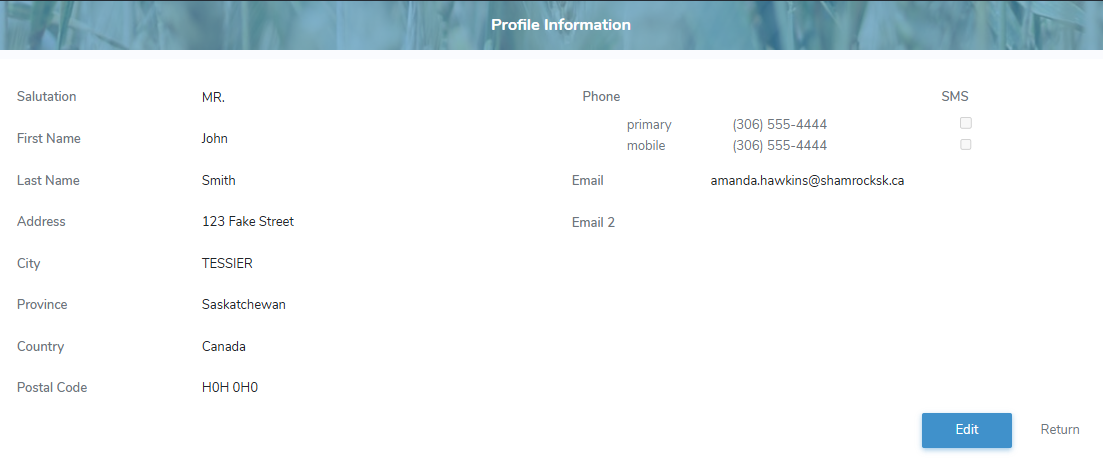
The Profile Information page displays details of your profile including name, mailing address, phone numbers, and email information.
To open and view the Profile Information page from the Manage Account page:
•Click View your profile information to open the Profile Information page.
Updating your profile information
To update your profile information from the Profile Information page:
1)Click Edit to open the Edit Profile Information page.
2)Edit or update your profile information as needed.
3)Click Save to save the profile information and return to the Profile Information page
– or –
Click Cancel to return to the Profile Information page without saving changes.