 Note: Updating your email address will automatically update it for all producer accounts associated with your current account. The change will take effect once your new email address has been confirmed.
To edit or update your email address from the Manage Account page:
1)Click Update Email Address to open the Update Email page.
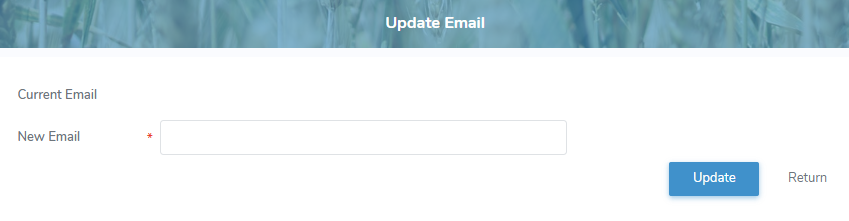
2)Edit or update your email address as needed.
3)Click Update. A message displays informing you that your email will update all producer contacts associated with this account. Email address will be updated once confirmation is completed.
Note: When you update your email address, a confirmation message is sent to the new email address. After you verify it, your contact information and any producer accounts linked to that email are updated automatically.
– or –
Click Return to revert back to the Manage Account page without saving changes.