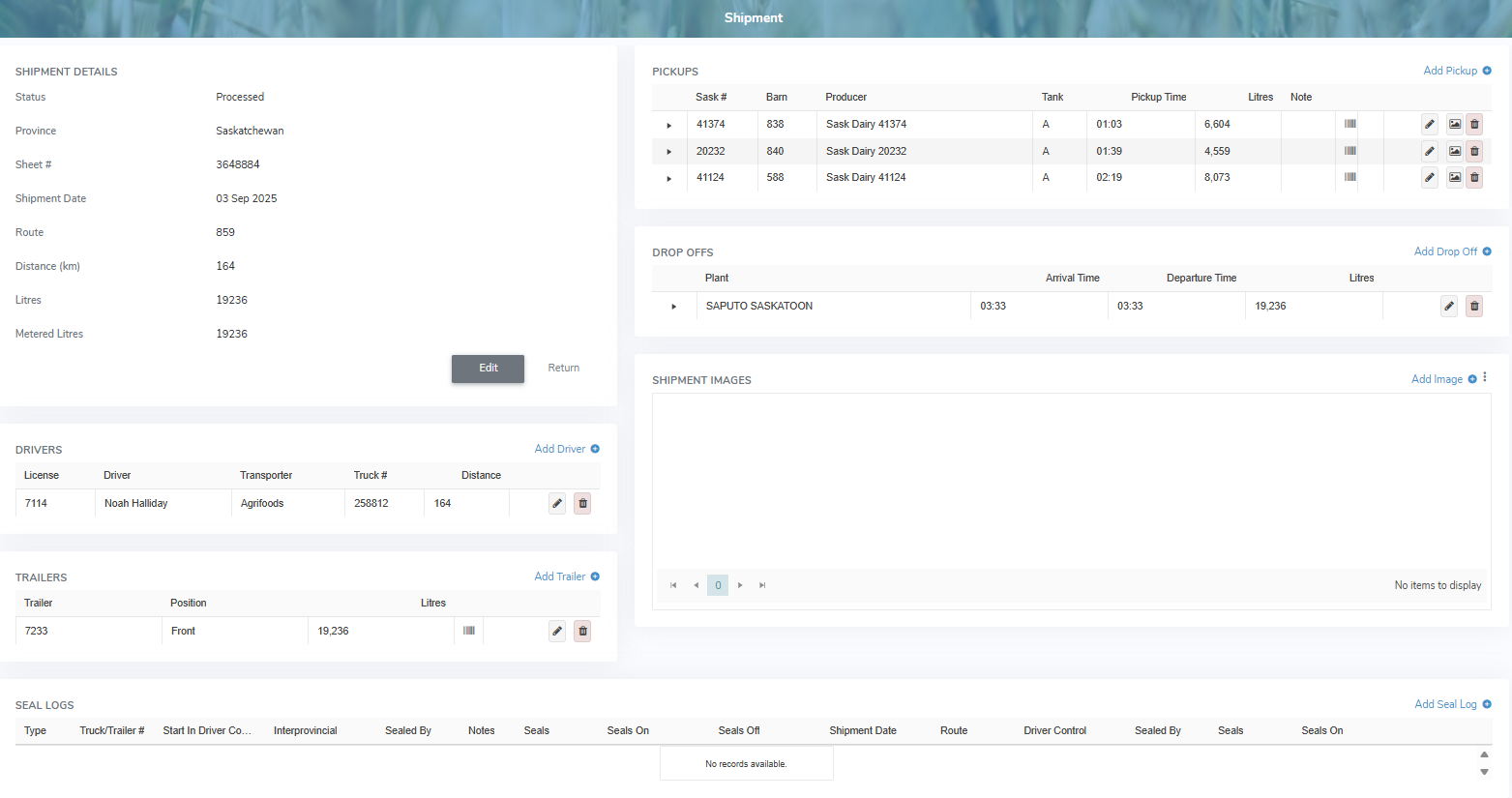
The Administrator can edit the shipment details in a processed or unprocessed state if changes are required. However, if the Administrator is looking to send the shipment back to the transporter for updating, the transporter can only edit unprocessed shipments (see Unprocessing a shipment for more information.)
 Note: A shipment can only be edited or unprocessed if it is within the current processing month. After the current month is closed, no changes can be made to a processed shipment.
To view the details of a shipment or make changes to the details of a shipment from the Pickup Slips page:
•Click View icon of the shipment you wish to view to open the Shipment page.