To search or find a route from the Route Listing page:
1)Type in one or both of the following details: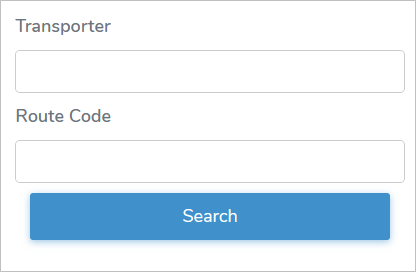
•Transporter: Type full or partial name of the transporter company
•Route Code: Type complete number of the route
 Tip: The Transporter is a partial text search which only requires a few letters contained in the name of the company to bring back all records results while the Route Code search is an exact match.
2)Click Search or Enter key on your keyboard to display a list of routes matching your criteria.
 Note: If no matches, then a message displays no records available.