A Route Listing page displays the planned schedules of producer stops and the order in which they are picked up.
To open the Route Listing page:
•Click the Shipments arrow on the Navigation bar and then select Routes.
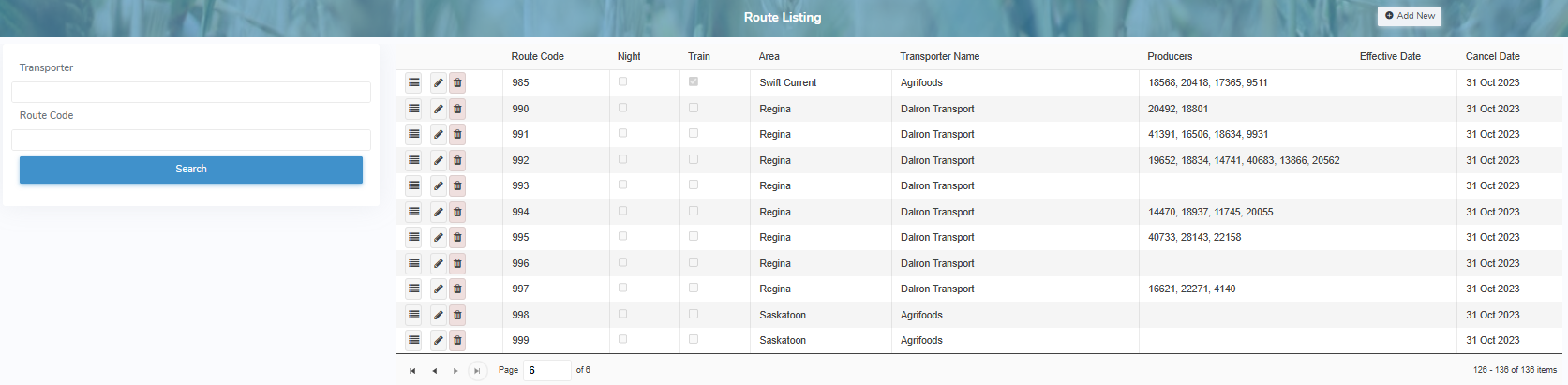
The Route Listing page provides:
•Ability to search by transporter and/or route code
•View list of route codes and details with information of transporter name, registered number of producers, effective and cancel dates
•Ability to add new route details
•Ability to view, edit or delete route details