The Contact Details page displays the detailed information of the contact and the portal access permissions assigned to the individual contact.
 Note: Only authorized users have permission to edit contact details. If you do not have permission to make changes, an error message will appear indicating that you do not have the required permissions to perform this action.
To view individual contact information or make changes to the details of a contact from the Contacts page:
•Click View icon of the contact you wish to view to open the Contact Details page. 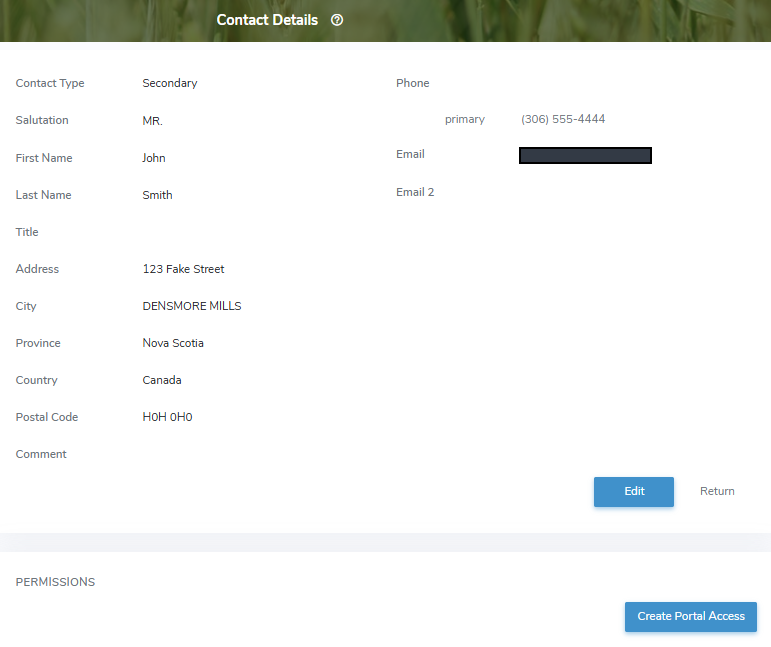
The Contacts Details page provides:
•Ability to view and edit contact details
•Ability to view, create, and edit portal access permissions