The Cumulative Position Alerts page displays the Cumulative Position alerts created by the producer and/or the administrator.
 Note: Recipients must be a contact designated by the producer to receive this alert (See Adding new contact for more information.)
To open the Cumulative Position Alerts page from the Producer Dashboard page:
•Click the Alerts arrow and then select Cumulative Position Alerts on the Navigation bar
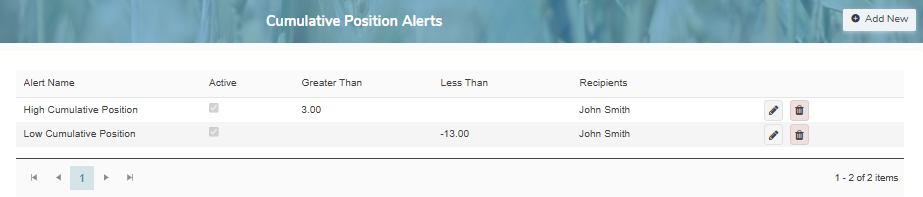
The Cumulative Position Alerts page provides:
•View of the Cumulative Position alerts for the producer
•Ability to add, edit or delete a Cumulative Position alert
•Ability to sort column details in ascending or descending order