A New Entrance Decrease/Increase is a decrease or increase in a producer's new entrant quota.
To view or edit an increase or decrease to a new entrant transfer from the Quota Transfers page:
•Click View icon in the row of the new entrant increase/decrease transfer you want to review or update to open the Credit/Quota Transfer page.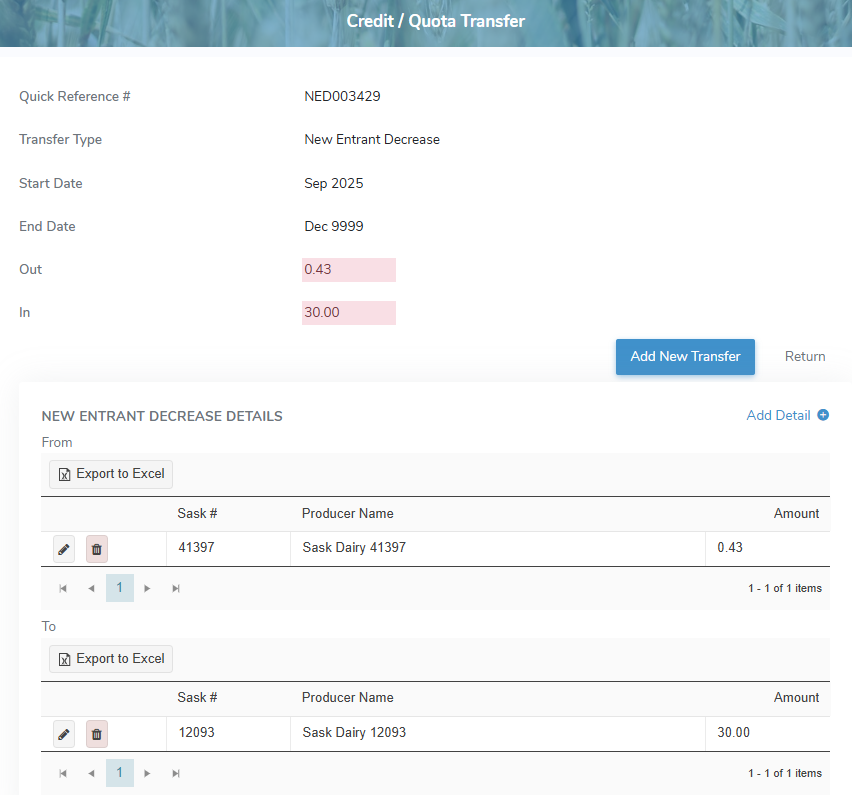
Adding a new entrant increase/decrease transfer
To add a new entrant increase/decrease transfer from the Credit/Quota Transfer page:
1)Click Add New Transfer to open the Add Quota Transfer page.
2)Select New Entrant Increase or New Entrant Decrease as the Transfer Type and then add the details of transfer as needed (see Adding a new quota transfer for more information.)
– or –
Click Return to go to the Quota Transfers page without saving the details.