The Administrator portal provides a view of the monthly quota transfers and ability to maintain each transfer throughout its defined start and end dates.
To open the Quota Transfers page from the Dashboard:
•Click Quota arrow on the menu bar, and then select Transfer of Credit.
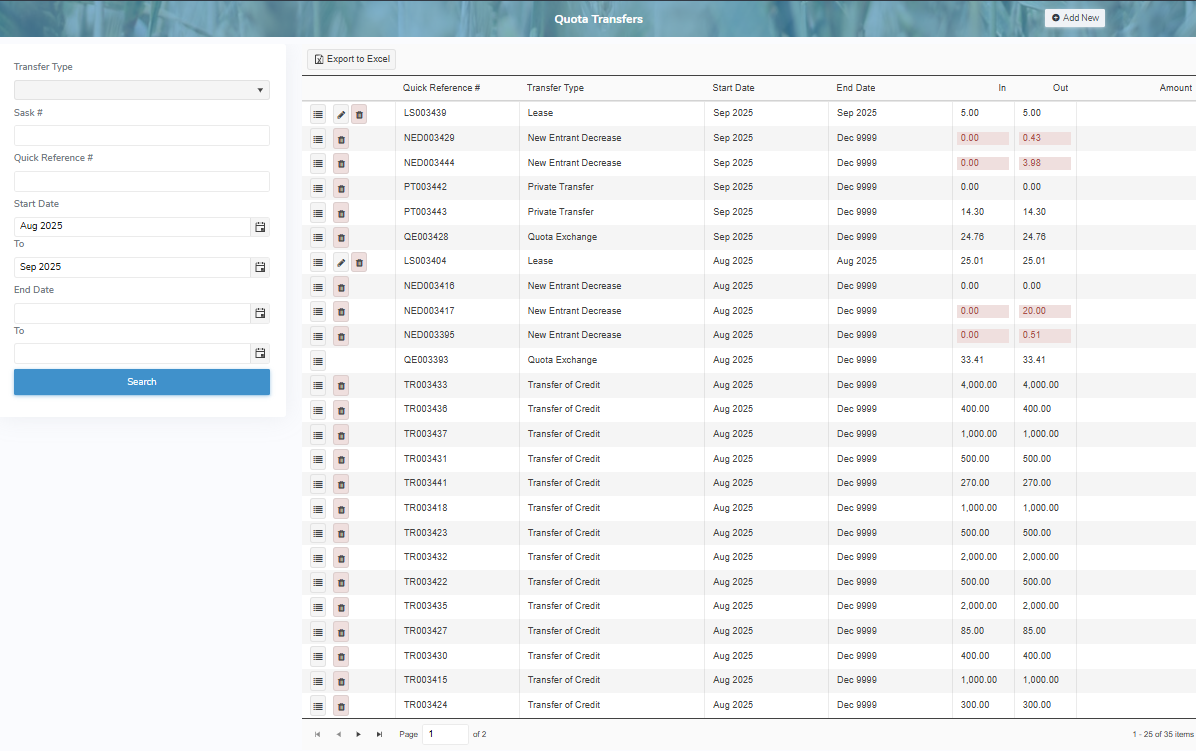
The Quota Transfers page provides:
•Ability to search for quota transfer types
•View of transfer type with start and end dates and details of transaction(s) in kilograms
•Ability to add, edit, or delete quota transfers
•Ability to export quota transfer results to Excel