To view the details of a financial institution branch from the Financial Institutions page:
1)Click View icon to open the Financial Institution Branch page of the branch you wish to view.
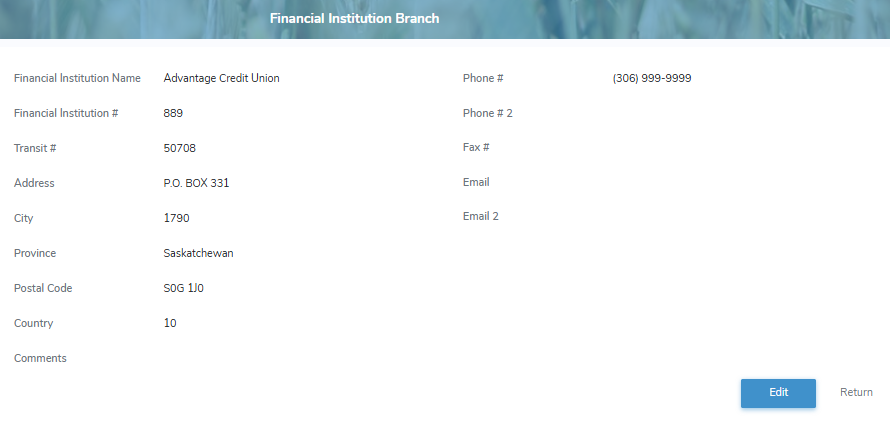
2)Click Edit to make changes to the financial institution branch details (see Updating a financial institution branch for more information)
– or –
Click Return to return to the Financial Institutions page without saving changes.