The Manage Producers page displays a list of producers who have been sent a producer portal access request and for whom an account has been created. It shows each producer’s user profile information (username and email) and indicates whether the producer has confirmed their email address. The page also lists the name associated with each email address and the registered producer numbers linked to that account.
 Note: Before a producer account can be set up, a contact must be created in the system for the producer (see Adding new producer for more information.)
To open the Manage Producers page from the Manage Users:
•Click Producers on the Navigation menu to open the Manage Producers page.
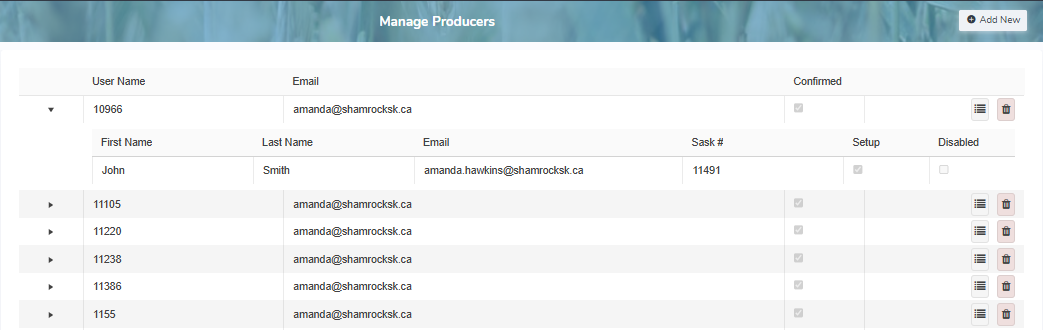
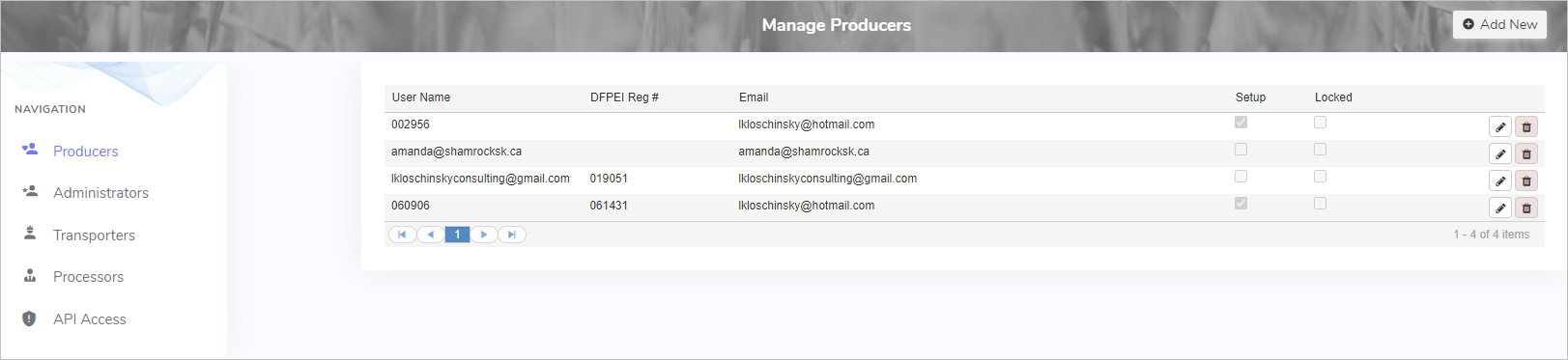
The Manage Producers page provides:
•Ability to create, edit, or delete producer contact details and access
•Ability to sort column details in ascending or descending order