To edit or update the portal access permissions of a contact from the Contact Details page:
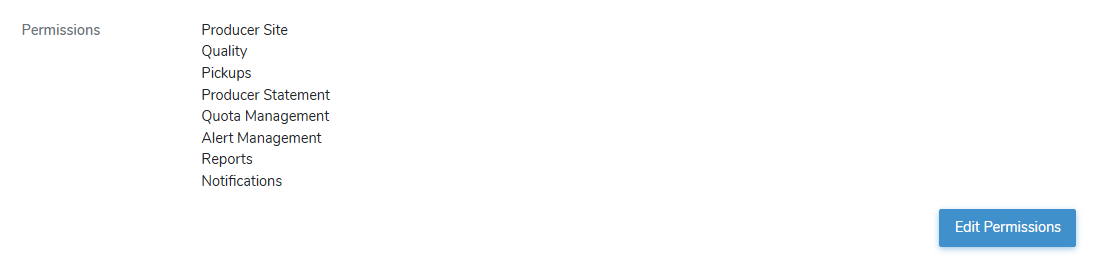
1)Click Edit Permissions to open the Portal User Management page.
2)Edit or update the producer contact role(s) as needed:
•Name: Not editable. Displays the name of the contact.
•Email: Not editable. Displays the email address of the contact.
•Roles: Select the check box of the role or roles you wish to assign to this contact, granting them special permission to the producer's information.
 Note: To see the full list of permission roles types go to Reference Material - Permission Types.
3)Click Save. A message displays you have successfully users permissions and the contact information displays on the Contact Details page. An email is sent to the contact requesting they complete their account setup in the Producer Portal.
Note: The contact will need your Producer ID to register and set up themselves in the Producer Portal.
– or –
Click Cancel to return to the Contact Details page without saving changes.