To view a list of producer accounts linked to your account from the Manage Account page:
•Click Manage your producer accounts to open the Manage Producer Accounts page.
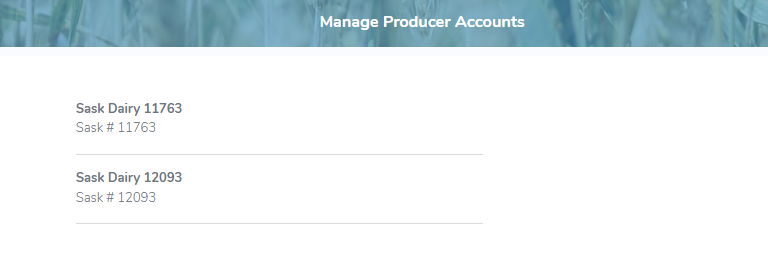
The Manage Producers Account page provides:
•View of your old username(s) and producer accounts associated to your current active account
 Tip: Click the SaskMilk logo to return to the Dashboard or use the back arrow on your browser to navigate back to the Manage Account page.
Removing linked producer accounts
 Note: Only the current user can delete a producer account linked to their profile. Primary producers cannot remove their own access. Once deleted, the account must be reactivated by the primary producer, who can re-add the user and resend the portal access invitation.
To remove or delete a linked producer account associated to your current account from the Manage Producers Account page:
1)Click Remove icon of the producer account you wish to remove.
2)Click OK to confirm you want to delete this producer. The producer account is removed from the Manage Producers Account page.