The Change Producer page displays a list of producers accounts that are linked to your current active account.
To open the Change Producer page from the Dashboard page:
•Click the Account ( ) icon and then Change Producer to open the Change Producer dialog.
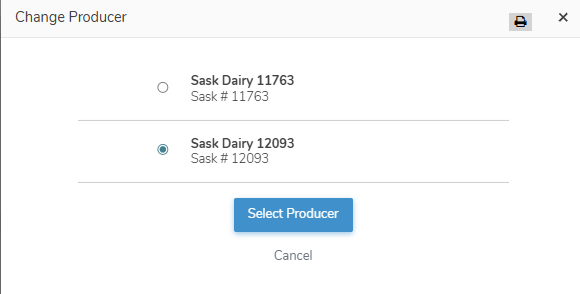
Selecting a producer account
To select or change to a different producer account from the Change Producer dialog:
1)Select the producer that you want to switch to.
2)Click Select Producer to switch accounts and open the Dashboard page for the selected producer.
– or –
Click Cancel to return to the Dashboard page without saving changes.