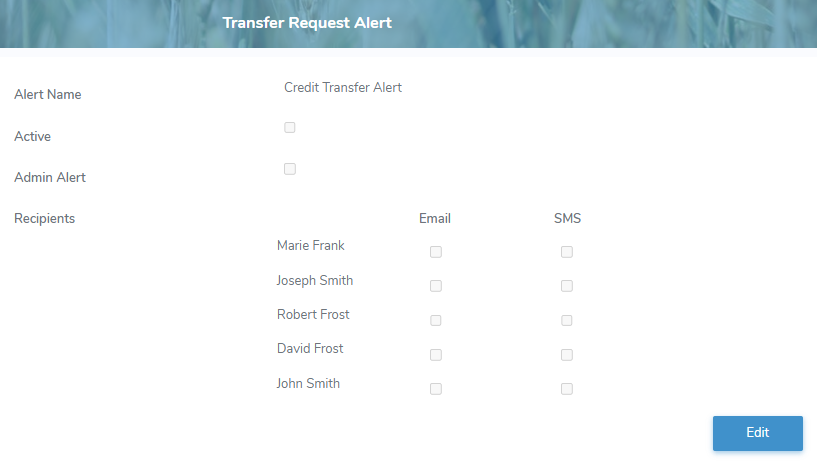
The Transfer Request Alert page displays the recipients who receive notification when a credit transfer request impacting the producer is created or updated.
 Note: Recipients must be added as a contact for the producer to be selected (See Adding new contact for more information.)
To open the Transfer Request Alert page from the Producer Dashboard page:
•Click the Alerts arrow on the Navigation bar and then select Transfer Request Alert.
Updating an alert
Note: Only authorized users have permission to manage alert details. If you do not have permission to make changes, an error message will appear indicating that you do not have the required permissions to perform this action.
To edit or update an alert on the Transfer Request Alert page:
1)Click Edit to open the Edit Transfer Request Alert screen.
2)Complete the following details:
•Alert Name: Not editable. Displays Transfer Request Alert.
•Active: Select the check box if you wish to activate the alert.
•Admin Alert: Select the check box if you wish to set the alert as an Admin alert.
Note: Producers can change the recipients of an Admin Alert but cannot edit any other portion of the alert.
•Recipients: Select the Email and/or SMS check box of the producer contact(s) you want to receive the alerts.
3)Click Save. A message displays you have successfully updated the alert and the details display on the Transfer Request Alert page.
– or –
Click Cancel to return to the Transfer Request Alert page without saving changes.