To change your Account password from the dashboard: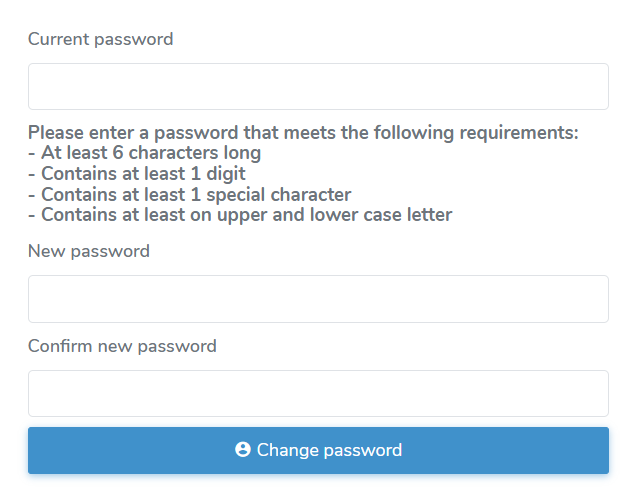
1)Click the Account ( ) icon and then My Account to open the Manage Account page.
2)Click Change your password to open the Change Password page.
3)Type your current password, then type your new password and retype it to confirm the password.
 Tip: Follow the instructions for creating a new password.
4)Click Change password to update your password and return to the Dashboard.