To search or find a financial institution from the Financial Institution Branches page: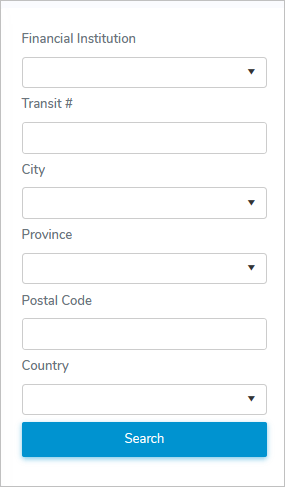
1)Type in one or more of the following details:
•Financial Institution: Type first letter of the financial institution or click Financial Institution arrow to display list of financial institutions, and then use the scroll bar to move up or down the list to find and select the desired financial institution.
•Transit #: Type complete number of the financial institution transit.
•City: Type first letter of the city or click the arrow to display list of cities, and then use the scroll bar to move up or down the list to find and select the desired city.
•Province: Type first letter of the province or click the arrow to display list of provinces, and then use the scroll bar to move up or down the list to find and select the desired province.
•Postal Code: Type full postal code.
•Country: Type first letter of the country or click the arrow to display list of provinces, and select the country.
2)Click Search or Enter key on your keyboard to display a list of financial institutions matching your criteria.
 Note: If no matches, then a message displays no records available.