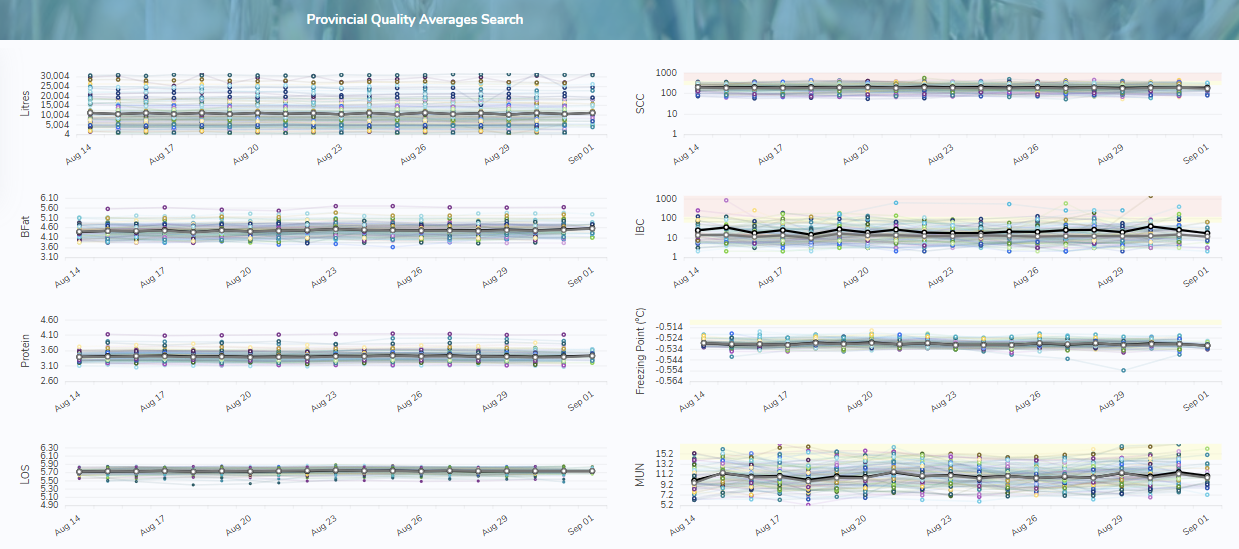
To search or find provincial quality averages from the Provincial Quality Averages Search page: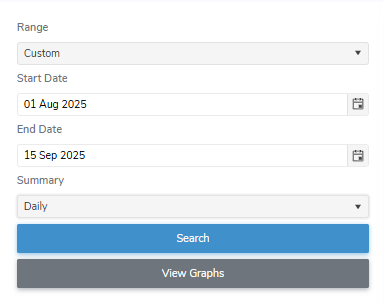
1)Select or type in one or more of the following details:
•Range: Click the drop-down arrow to select range (i.e., Last Month, Last Year, or Custom) you want to search.
 Note: The default range is set to Last Month. To view a different period, select Custom and choose a start and end date. Then select the summary format you want to see (i.e., daily, monthly, yearly).
2)Click Search or Enter key on your keyboard to display a list of results matching your criteria.
Note: If no matches, then a message displays no records available.
3)Click View Graphs to display quality test results matching your criteria.