The Payment Adjustments Search page displays a list of producer payment adjustments applied to individual producer's advance and/or month end payment.
 Note: Payment adjustment rates and amounts can apply across multiple months.
To open the Payment Adjustment Search page:
•Click the Payments arrow on the menu bar, and then select Payment Adjustments.
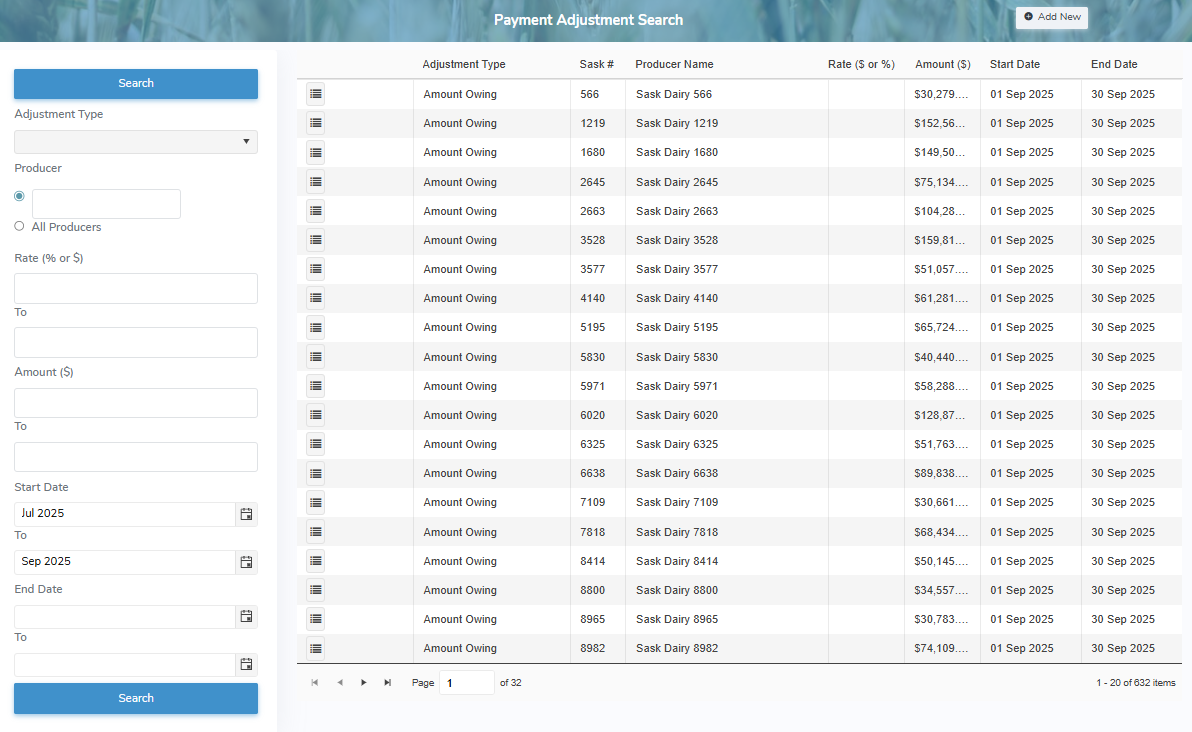
The Payment Adjustment Search page provides:
•Ability to search for payment adjustments by adjustment type, Sask #, rates, amounts, start and/or end dates
•View a list of payment adjustments
•Ability to add new, view, edit, or remove payment adjustments
•Ability to sort column details in ascending or descending order