The Manage Transporters page displays a list of transporters who have been sent a transporter portal access request from the system and for whom an account has been created. It shows each transporter’s user profile information (user name and email) and confirmation of the account set up and if the account is currently locked.
To open the Manage Transporterpage from the Manage Users:
•Click Administrators on the Navigation menu to open the Manage Transporters page.
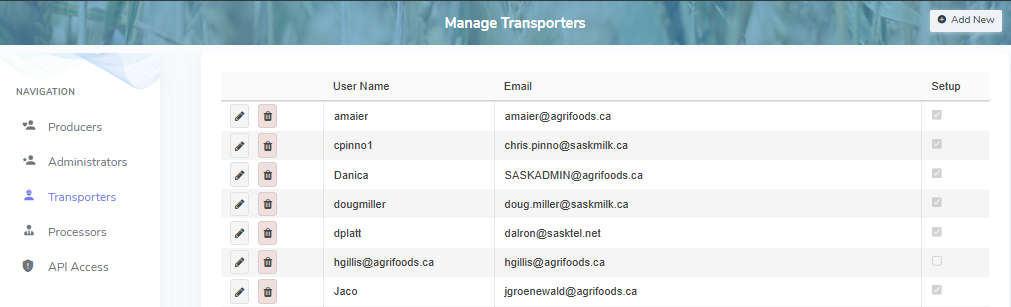
The Manage Transporters page provides:
•Ability to add, edit, or delete transporter access
•Ability to sort column details in ascending or descending order