To upload and preview a lab test file from the Lab Test File Upload page:
1)Click Select upload file to find and select the desired file you want to upload.
2)Search and select the file you want to upload and then click Open. The file appears on the page.
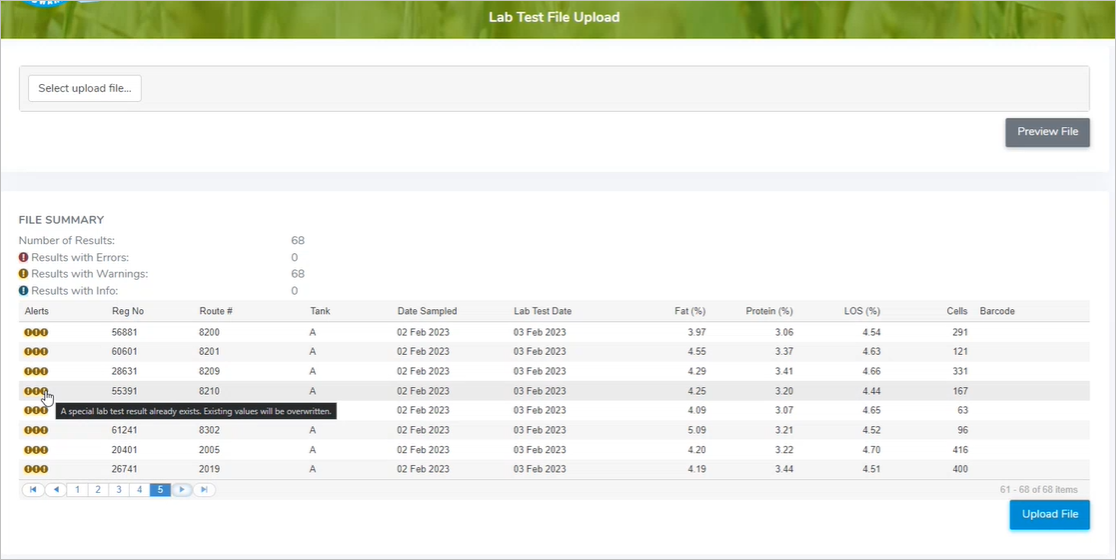
3)Click Preview File to open a file summary screen which displays the total number of results and a list of errors, warnings and/or information messages.
 Tip: If you receive an error message when uploading the lab file, check the date format. The date must use day/month/year with forward slashes (e.g., 31/03/2025).
4)Review the error messages, and if the data values are correct, click Upload File.
 Warning: The manual process to upload a lab test file overwrites the data values associated to the producers' information directly. Use this process with caution.