The Keyword Types page displays the list of available keyword data types used throughout the system. Each type defines the format or behavior of a keyword—for example, text, integer, Boolean (true/false), currency, or identifier fields.
 Note: Adding or modifying keyword types requires a programming change. Administrators cannot edit or delete internal keywords used by the system.
To open the Keyword Types page from the Document Admin:
•Click Keyword Types on the Navigation menu.
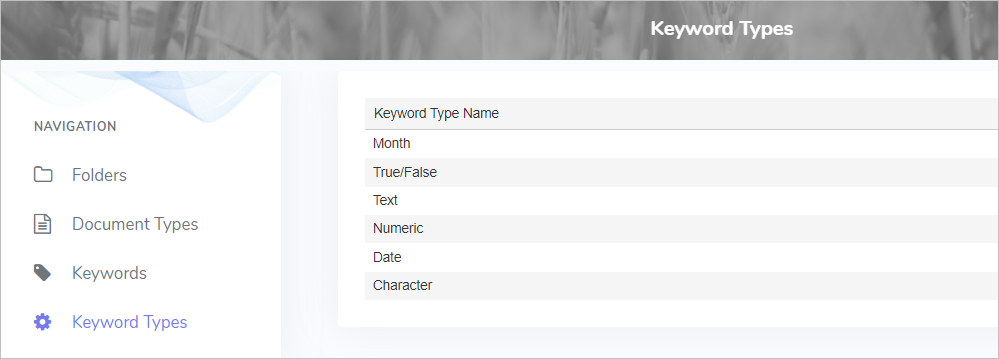
The Keyword Types page provides:
•View of keyword types including:
oMonth
oTrue/False
oText
oNumeric
oDate
oCharacter