To view or make changes to the folder details and send notifications from the Folders page:
1)Click View icon of the folder you wish to view to open the Folder page.
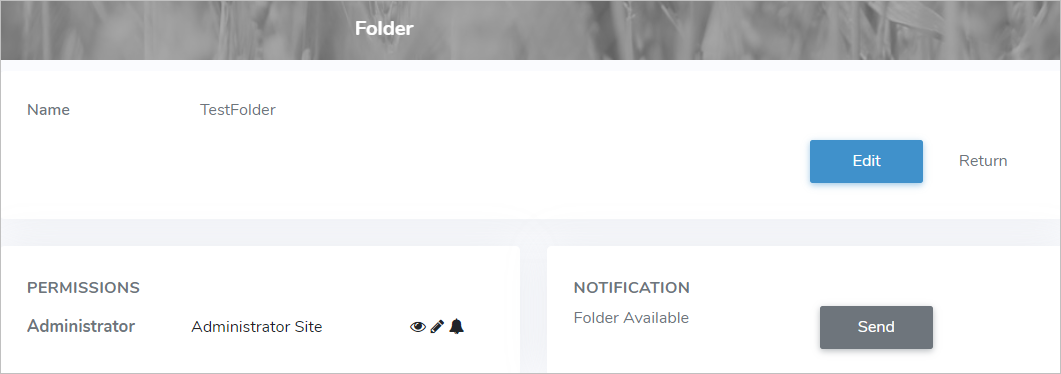
2)Click Edit to make changes to the folder details (see Updating a folder for more information)
– or –
Click Return to return to the Folders page without saving changes.
Sending notification
To send a notification of the folder from the Folders page:
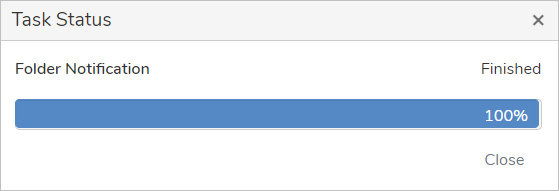
•Click Send and a notification will be sent to the permission types who have permission to receive notification of the folder.