The Folders page displays a list of available folders used to organize documents within the system. Documents can be added to specific folders, which are accessible and viewable through the Admin > Documents page.
To open the Folders page from the Document Admin:
•Click the Admin arrow from the navigation menu, select Document Admin and then click Folders on the side menu.
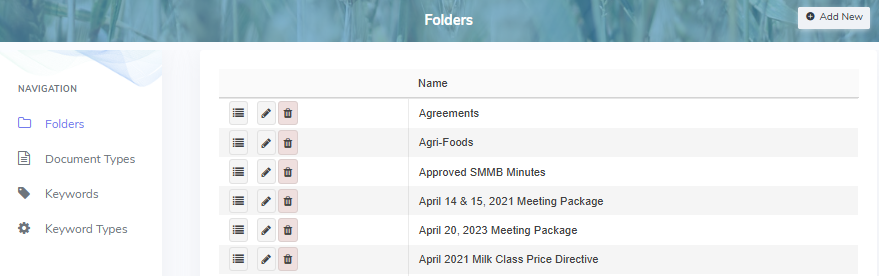
The Folders page provides:
•View of folders
•Ability to create, edit, or delete folders