To view or make changes to the document type details and keywords from the Document Types page:
•Click View icon of the document type you wish to view to open the Document Type page.
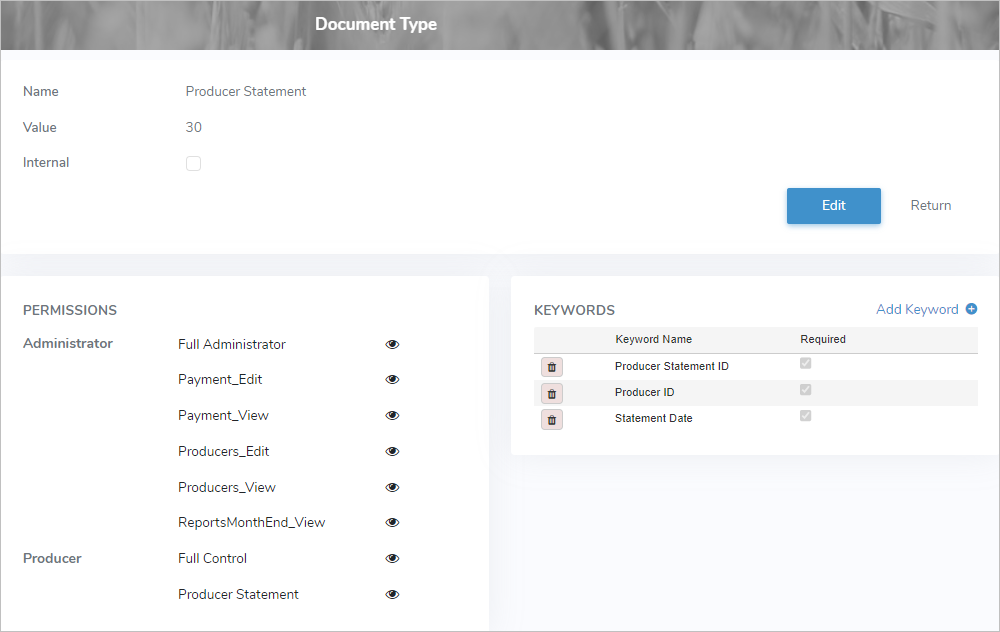
The Document Type page provides:
•View of the document type and the permissions granted and keywords applied
•Ability to edit document type details (see Editing a document type for more information)
•Ability to add and delete keywords (see Managing keywords for more information)