The My Alerts page displays the Producer's alerts in one location.
To open the My Alerts page:
•Click the Account icon ( ) and then select Alerts.
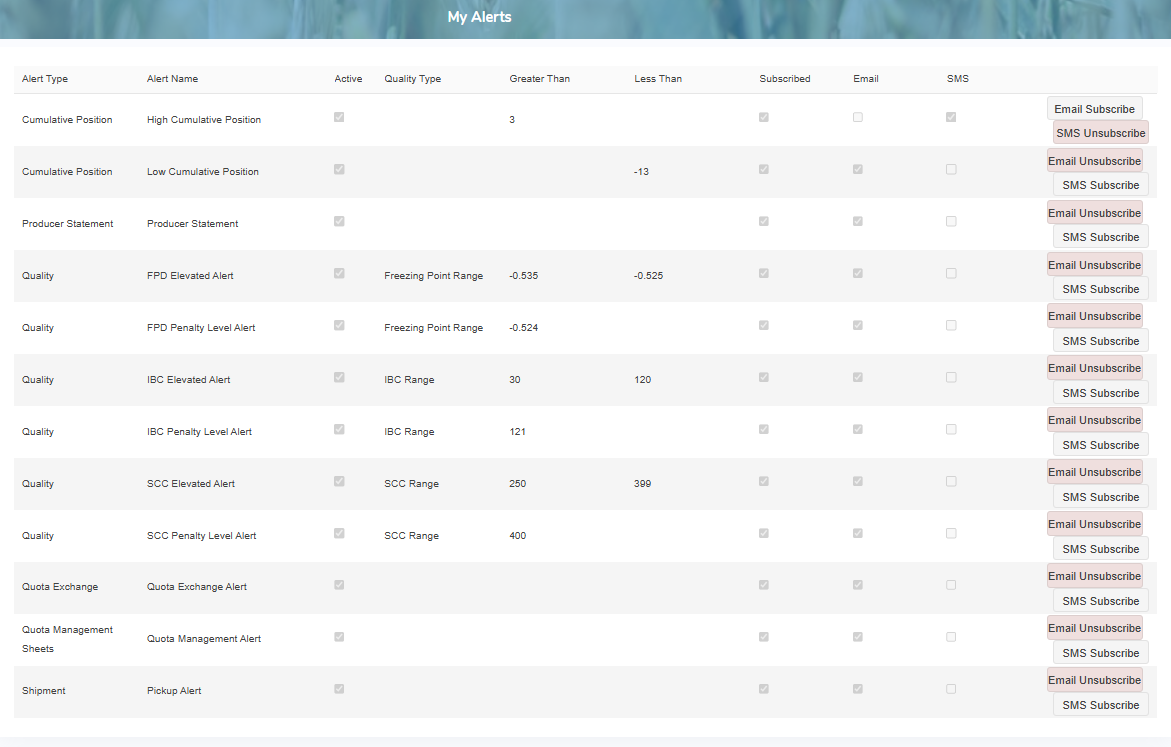
The My Alerts page provides:
•Navigation menu bar on the left side to view information and edit details of your alerts
•View list of all alerts entered into the system
•Ability to subscribe to any alert by email or SMS
•Ability to sort column details in ascending or descending order