To search or find producer pickup details from the Producer Pickup Search page: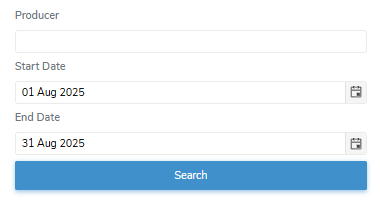
1)Type in one or more of the following details:
•Producer: Type partial or full producer number, and then use the scroll bar to move up or down to find and select the desired producer.
•Start Date: Type the start date of the shipment date or click Calendar icon to select the date that you want to begin the search.
 Note: The default Start Date is set to the current date less one week or the start of the current payment period.
•End Date: Type the end date of the shipment search or click Calendar icon to select date that you want to end the search.
Note: The default End Date is set to the current date or the end of the current payment period.
2)Click Search or Enter key on your keyboard to display a list of producer pickups matching your criteria.
– or –
Click Clear to clear the criteria and start your search again.
Note: If no matches, then a message displays no records available.