The Report Output page displays a list of report outputs that have been generated and exported within the SaskMilk Milk Payment System.
To open the Report Output page:
•Click the Reports arrow on the menu bar, and then select Reports Output.
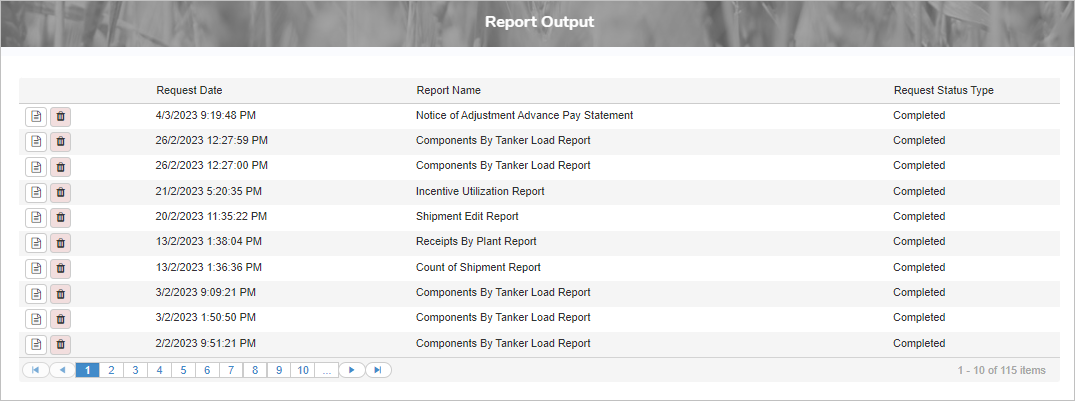
The Report Output page provides:
•Ability to view the exported report
•Ability to remove an exported report
Viewing a report output
To view a report output from the Report Output page:
•Click View Report icon to open the selected report in your browser's pdf viewer.
 Note: You can use your browser’s built-in options (such as Print or Save As) to print or save the report to your computer.
Removing a report output
To remove or delete a report output from the Report Output page:
1)Click the Remove icon of the report output you wish to remove.
2)Click OK to confirm you want to delete this item. The report output is deleted from the Report Output page.