To create or run the MUV export files (i.e, milk class price export, price export, or the delivery export) from the MUV Export page:
1)Click Run of the export you wish to create to open the Task Status dialog.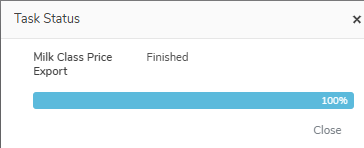
•Milk Class Price Export: Generates the export file for MUV to receive the current Milk Class Prices from MPS.
•Price Export: Generates the export file for MUV to receive the current Pricing Agreements from MPS.
•Delivery Export: Generates the export file for MUV to receive the litres and components delivered to each plant for the current production period.
2)Click Close after the process has finished (100%) and the Download button appears.
3)Click Download to download the file. These files are then manually uploaded to the MUV system.
 Note: The MUV export files (i.e, milk class price export, price export, or the delivery export) can be run multiple times during the period which overwrites the export file with the new information.