The Monthly Components Reports page displays the total and individual components by month.
To open the Monthly Components Reports page:
•Click the Reports arrow on the menu bar, and then select Operational Data.
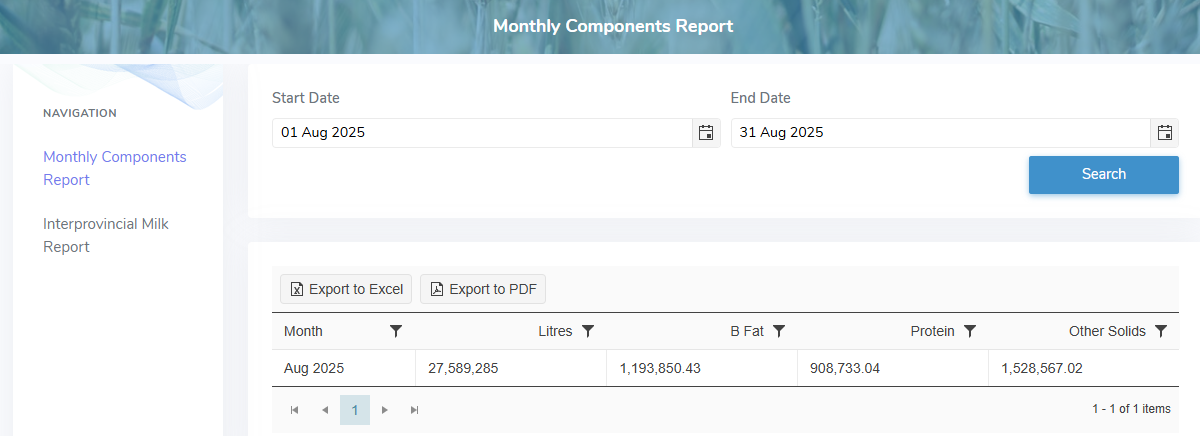
The Monthly Components Reports page provides:
•Ability to search for total components by month
•View of a listing of monthly total and individual components
•Ability to export the report results in Excel or PDF formats