Adding a API access
To add a new API access from the Manage API Users page:
1)Click Add New to open the Register New API User page.
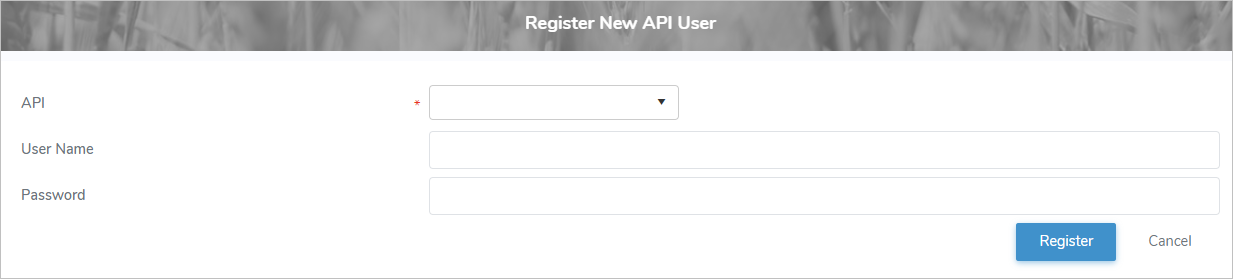
2)Complete the following details:
•API*: Click the arrow to display a list of API, and select the API you want to add.
•User Name: Type the user name of the API account.
•Password: Type the password to be used by the API account.
3)Click Register to save the API access and return to the Manage API Users page. The API access displays on the Manage API Users page.
– or –
Click Cancel to return to the Manage API Users page without saving the details.
Updating API access
To edit or update the details of an API access from the Manage API Users page:
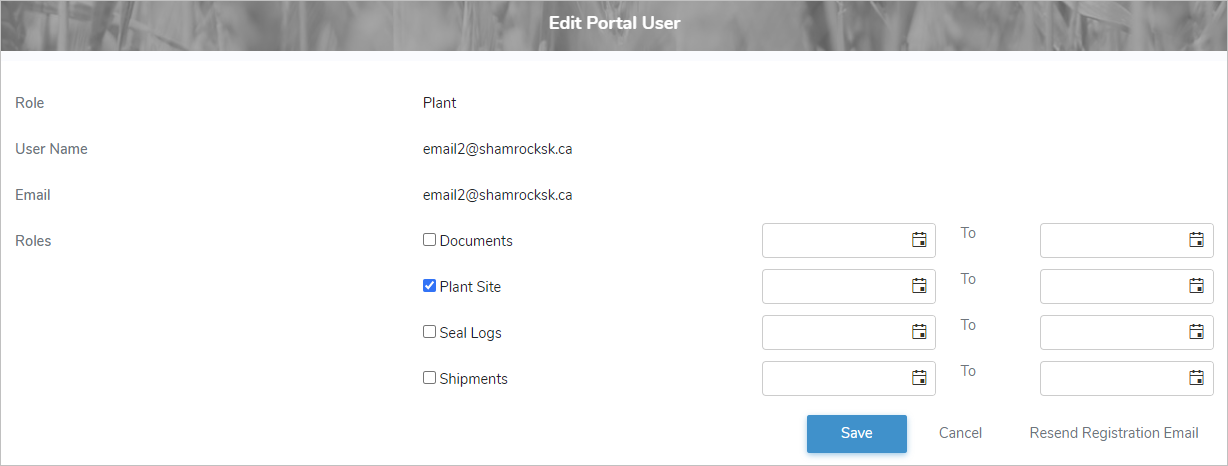
1)Click Edit icon to open the Register New API User page.
2)Edit or update the details of the API access as necessary (see Adding API access for more information.)
3)Click Register to save the API access and return to the Manage API Users page. The API displays on the Manage API Users page.
– or –
Click Cancel to return to the Manage API Users page without saving the details.
Removing API access
To remove API access from the Manage API Users page:
1)Click Remove icon of the API access you want to remove.
2)Click OK to confirm you want to remove this user. The API and its detailed information are deleted from the Manage API Users page.