The Manage Transporter Reports page allows administrators to manage access to reports specifically available to transporters. Using role-based access management, administrators can assign permissions that determine which transporters can view or run individual reports. This ensures transporters have access only to information relevant to their responsibilities while maintaining data security and controlled access within the system.
To open the Manage Transporter Reports page:
•Click the Reports arrow on the menu bar, and then select Reports Admin.
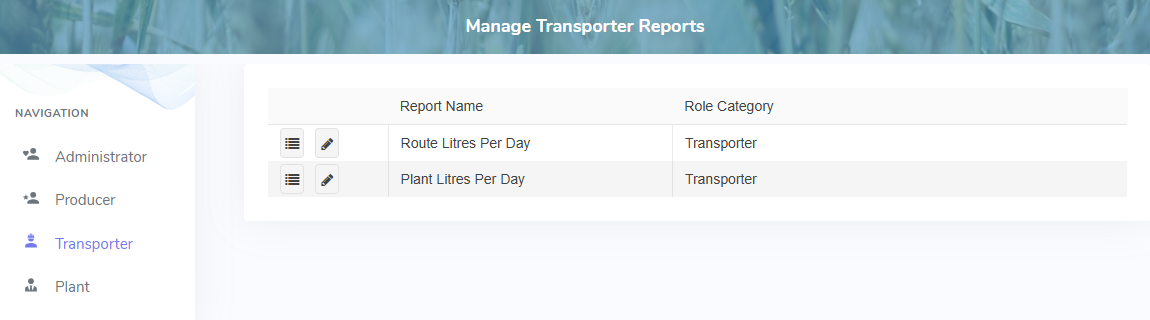
The Manage Transporter Reports page provides:
•Ability to view and edit permissions of reports within the system