The Manage Administrator Reports page provides tools for controlling access to specific reports based on user permissions. It marks the initial stage of introducing role-based access management, allowing administrators to restrict report viewing and editing to authorized users. This feature supports improved data security and user accountability within the system.
To open the Manage Administrator Reports page:
•Click the Reports arrow on the menu bar, and then select Reports Admin.
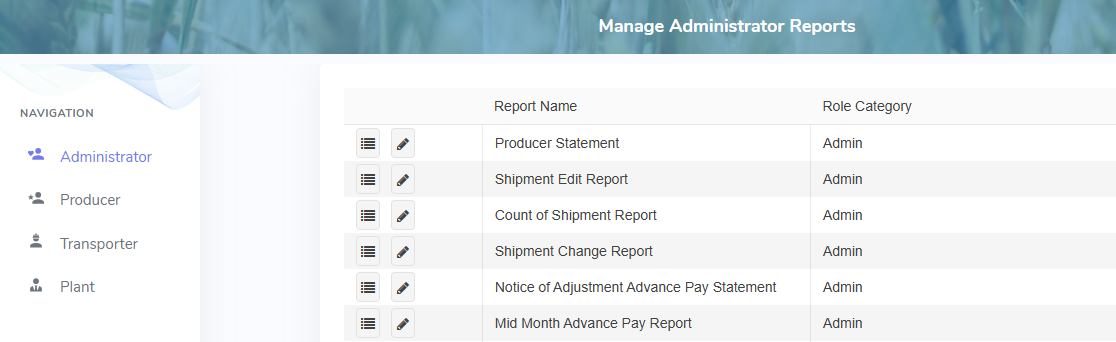
The Manage Administrator Reports page provides:
•Ability to view and edit permissions of reports within the system